

You set up a FAS ID by entering your business email on GSA’s Create Account form, which first shows whether the email is already registered. If it isn’t, you add your name and email, set a password, a security question and a security image, then enroll in multi-factor authentication. The whole process takes minutes.
TL;DR
- A FAS ID is one shared GSA login. The same email and password open several GSA applications, so you only need one.
- Check first. Enter your email on the Create Account form to see whether you already have an account.
- Setup needs your name, a working business email, a password, a security question, a security image and multi-factor authentication.
- Some portals require your email to appear in a contract point-of-contact field before you can register. If it doesn’t, your contracting officer fixes that.
- A FAS ID is a login, not a business registration and not a Schedule award. Registering on SAM.gov comes first.
Table of Contents
- What is a FAS ID, and what does it open?
- Do you already have a FAS ID?
- How do you create a FAS ID, step by step?
- What if you can’t register or sign in?
- Does a FAS ID register your business or qualify you for a Schedule?
- When should you create the FAS ID in a Schedule project?
- What does a FAS ID mean after you win the contract?
- Should you set it all up yourself or use a consultant?
- Ready to find out if your business qualifies?
- FAQ
- Sources
What is a FAS ID, and what does it open?
A FAS ID is a secure, centralized account that lets you sign in to several GSA websites and applications with the same email address and password. According to GSA’s sign-in FAQs, the list includes GSA Advantage, GSA eBuy, ASAP, AAC Inquiry, CORS, GSA Global Supply, USMC Servmart, ASSIST and GSA Fleet applications.
For a company that sells to the government, the tools that matter most are the ones used to apply for and manage a contract. GSA’s contractor login notice lists the FAS Sales Reporting Portal, the Mass Mod Portal and the GSA Vendor Portal as FAS ID systems, with eOffer and eMod being added in fiscal year 2021. That is the practical meaning of the account: one identity that follows you from the offer stage to modifications to sales reporting.
Two details are worth knowing before you start:
- Security. GSA says the FAS ID uses multi-factor authentication that meets National Institute of Standards and Technology requirements for secure validation and authentication. Expect a second verification step every time, not just at setup.
- One account, shared settings. If you change your email or password inside one application that uses FAS ID, the change updates your FAS ID and applies to every other GSA FAS ID application you use. Change it once, and it is changed everywhere.
One note on naming. GSA’s own IT documentation describes the FAS ID as the primary multi-factor option for external users of its systems. That is why you will see it behind so many different portals, and why vendors rarely get around it.
Do you already have a FAS ID?
Check before you create anything. Duplicate accounts are the most common reason a login “doesn’t work”: you register with one email and the contract file lists another.
GSA’s own form handles this. Enter your email address on the Create Account form and it tells you whether that address is already registered with one of GSA’s services. Run this check for every address that could be on file:
- The email of the person who signed past offers or quotes.
- A shared mailbox such as a general contracts address.
- Any older address from a previous owner, employee or consultant.
If an address comes back as registered, don’t create a second account. Go to the sign-in page, use the password reset, and recover the one you have. If you can’t get into a mailbox that was used long ago, you will need to update the contact on your contract, which is covered below.
How do you create a FAS ID, step by step?
The flow below follows GSA’s published instructions for the FAS Sales Reporting Portal. The screens for other applications look similar, because they all rely on the same account.
Before you start
Have these ready:
- Your first and last name, exactly as you want them on the account.
- A business email you can open right now. Use a company address that will outlast any one employee, not a personal inbox.
- A phone or authenticator device for multi-factor setup.
- A few minutes without interruption, because the activation steps happen in sequence.
The setup steps
- Open the registration page. On the portal’s home page, select Register.
- Enter your details. Provide your first name, last name and email.
- Open the activation email. GSA sends a message to that address. Use the link promptly.
- Create your credentials. The activation process asks for a password, a security question and a security image.
- Set up multi-factor authentication. This completes activation. Choose a method you will actually have on hand, and note it somewhere safe.
- Sign in to confirm. Return to the portal, choose Contractor Login and make sure you land inside the application.
The security image and question are easy to treat as throwaway fields. Don’t. Write down your answers in the company password manager, since you may need them months later when you file a report or a modification.
Which email should you use?
For a small business, the best choice is a role-based address that several people can read, or the address of the person who will own compliance for the contract. If a single founder is the only point of contact, make sure someone else can reach that inbox. Multi-factor prompts and activation links go to whoever controls it.
What if you can’t register or sign in?
The most common blocker is not a technical fault. For the Sales Reporting Portal, your email must be listed in a contract point-of-contact field. If the portal won’t let you register, work through this list:
| Symptom | Likely cause | What to do |
|---|---|---|
| Registration is refused | Your email isn’t listed in a required contract field | Contact your GSA contracting officer and ask for the address to be added |
| The form says the account exists | You already registered, possibly years ago | Use Contractor Login and reset your password |
| No activation email | Wrong address, spam filter or blocked domain | Check spam, confirm the spelling, ask your IT contact to allow GSA mail |
| Can’t complete multi-factor setup | Lost or changed device | Restart the activation or reset through the sign-in help |
| Different email on contract and account | Staff turnover or a consultant’s address on file | Update the contract contact through your contracting officer, then register |
GSA’s guidance is direct on the first point: if you cannot register, check whether your email is listed in the required contract field and contact your contracting officer if it is not. If your account is already registered, click Contractor Login instead of registering again.
This is also where businesses that used an outside preparer run into trouble. If a previous helper’s address is the only one on file, you can lose access the day that relationship ends. Keep at least two people from your own company listed.
Does a FAS ID register your business or qualify you for a Schedule?
No. The FAS ID is a login. It doesn’t register your company, doesn’t check your eligibility and doesn’t put you on any contract vehicle.
GSA’s own sequence is clear. Before competing for government contracts, you register your business and obtain a unique entity ID (UEI) on SAM.gov. To submit an offer and accept modifications, you register for eOffer, and you get a FAS ID as part of that registration. GSA describes getting on a Schedule as a later, optional step.
So the order for a newcomer looks like this:
- Register in SAM.gov and get your UEI.
- Confirm your business has the track record, pricing and documentation a Schedule offer needs.
- Register for eOffer, which brings your FAS ID with it.
- Prepare and submit the offer, then negotiate.
- After award, use the same FAS ID for modifications and sales reporting.
If you are earlier than step 1, our walkthrough on GSA contractor registration covers the groundwork, and the step-by-step guide to registering with GSA shows how the pieces connect. A note on terminology: older guides refer to FedBizOpps for finding opportunities. That system is retired, and federal opportunities are posted on SAM.gov.
When should you create the FAS ID in a Schedule project?
There are two sensible moments, and one common mistake.
Early, to remove delays. If your business already has a contract with GSA, or you know the contact fields are in order, setting up the account early means you won’t be hunting for passwords during a deadline.
At eOffer registration, because it comes with it. For a first-time applicant, this is the usual path. You register for eOffer and the account is created in the process.
The mistake: creating the account on a personal email, or on a consultant’s email, because it was quicker that day. The account then belongs, in practice, to whoever controls that inbox. Fixing it later means a contract modification and a wait.
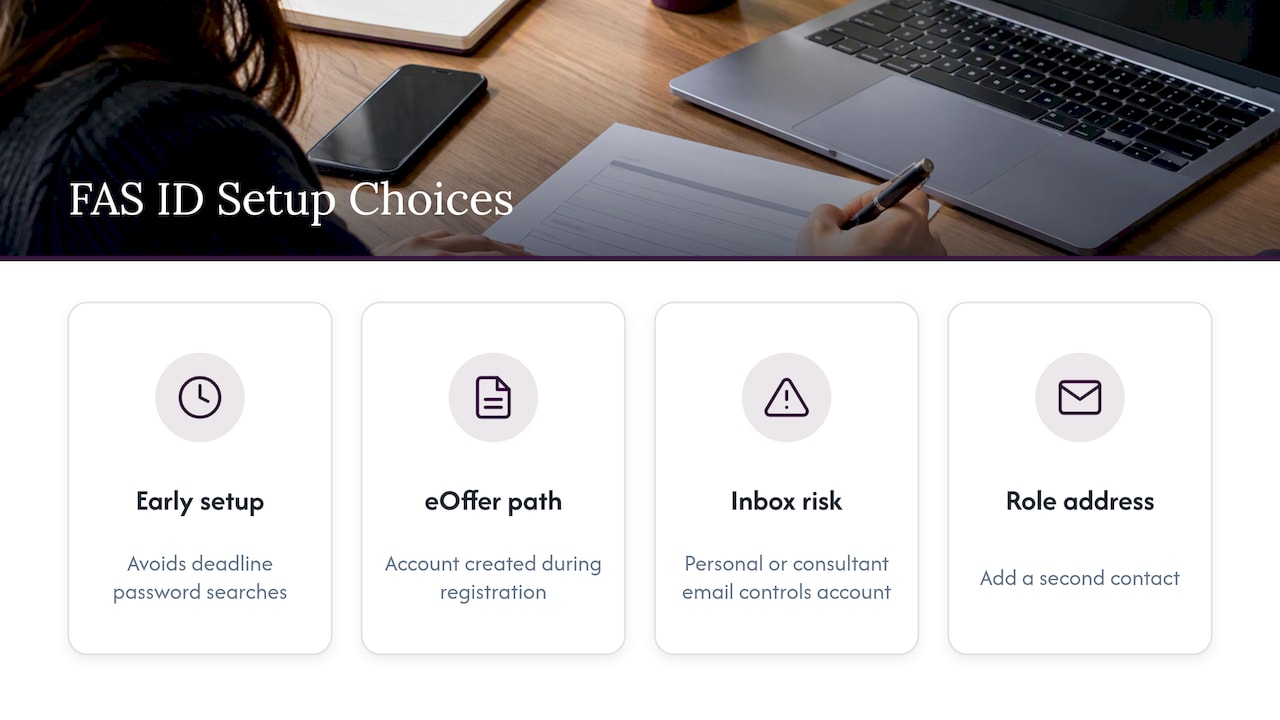
A pre-award example makes the stakes clear. Suppose you are a 12-person IT services firm and your operations manager sets up the login on her own address. She then leaves. Your contracting officer sends a request through the system and nobody can see it. The request goes stale, and a response window quietly closes. None of this is dramatic, but it costs weeks. The remedy is simple: use a role-based address, list a second contact, and record where the credentials live.
What does a FAS ID mean after you win the contract?
Once an award is in place, the same login becomes your daily access point for contract upkeep. You will use it to report sales, submit modifications and handle price list changes. If you hold or expect to hold a Schedule, these pages explain what comes next:
- The post-award checklist for the first weeks after award.
- The guide to sales reporting and the walkthrough on filing quarterly sales reports.
- An explanation of reporting requirements and the reporting deadlines guide.
- The compliance requirements overview for the obligations that run with the contract.
A tidy login is the quiet foundation of all of that. Late reports and missed modifications often trace back to nobody being able to sign in at the right moment.
Should you set it all up yourself or use a consultant?
The FAS ID itself is a task you can do yourself in one sitting. Nobody needs to be paid to enter a name and an email. The real question is the bigger project the login belongs to: preparing the offer, building a compliant price list, mapping your services to the right categories, and negotiating terms.
Here is how the two routes compare for a small business.
| Factor | Doing the whole application yourself | Working with a consultant |
|---|---|---|
| Your time | Substantial, spread across many weeks | Our clients report about 3 hours of their own time |
| Typical timeline | Our experience is two years or more for first-timers working alone | Most of our clients are awarded in about 6 months, and for many the time to award is around 90 days |
| Paperwork | You learn the forms and rules as you go | We prepare the documentation and price list |
| Risk of resubmission | Higher if it’s your first attempt | We report a 98% first-application approval rate |
| Cost | Your internal hours | A project fee, paid only after approval under our “no award, no fee” terms |
Those figures for our own work are our claims about our own results, not industry averages. If you want the self-service route, our GSA DIY Quick Start is built for owners who want to manage the process themselves with a guide behind them.
What we tell owners who ask about the FAS ID
Most owners we meet treat the login as an annoying hurdle. We see it differently: it is the first small test of whether your company is organized for federal work. The firms that sail through have a shared mailbox, two named contacts and a place where credentials are stored. The firms that struggle are the ones where one person holds everything in their head.
That is also the pattern behind the bigger delays. A Schedule application is not hard because any single step is hard. It is hard because dozens of small steps depend on each other, and one wrong contact, one outdated document or one unreturned message stalls the rest. Left to work alone, many businesses spend two years or more on it. Our clients are typically awarded in about six months and spend roughly three hours of their own time, because we carry the paperwork and keep the sequence moving.
Our advice is simple. Do the FAS ID yourself, carefully, with a role-based email. Then decide honestly whether the rest of the application deserves your evenings and weekends, or a team that does this every week.
Josh
Ready to find out if your business qualifies?
If you already meet the basic requirements and want the application handled for you, our Startups, Specialty and Streamline programs cover the full process: eligibility assessment, documentation, price list development, compliance guidance and negotiation support. You pay only after approval, and our money-back guarantee backs the work. You can see how the engagement is structured in our turnkey service overview, and the terms are set out in the acquisition agreement.
If you already hold a contract, our maintenance plans start at $99 per month for one modification a year, with higher tiers for more changes. Details are on the maintenance plans page.
Not sure where you stand? Start with a free eligibility check. We will tell you whether your business is ready, what is missing, and what a realistic timeline looks like.
FAQ
How do I get a GSA FAS ID?
Enter your email on GSA’s Create Account form to see whether one exists. If not, register with your name and email, open the activation message, and set a password, a security question and a security image. Finish by enrolling in multi-factor authentication.
Is there a fee to create a FAS ID?
GSA’s published setup instructions list no payment step; they ask only for your name, email and security details. If any page asks for money to create a login, stop and go back to the official GSA sign-in page.
Why won’t the portal let me register?
The usual reason is that your email isn’t listed in a required contract point-of-contact field. Ask your GSA contracting officer to add it. If you registered before, use Contractor Login rather than creating a second account.
Does a FAS ID mean my company is on a GSA Schedule?
No. It is only a login. Your business registers on SAM.gov and gets a UEI first, and a Schedule is a separate offer that GSA reviews and negotiates. The FAS ID arrives with eOffer registration along the way.
Can I use one FAS ID for several GSA systems?
Yes. The same email and password work across the GSA applications that use FAS ID, and a change to either one in any of them updates your account everywhere.
Sources
- Sign in FAQs, BUY.GSA.GOV
- Contractor Login information, GSA Vendor Support Center
- FAS SRP Registration and Authentication, GSA
- FAS ID Onboarding, FAS-IT Playbook
Recommended
- GSA Schedule Award: Complete Checklist for Success
- Your Checklist for After GSA Schedule Award
- Transition to GSA FAS ID for eOffer and eMod
- GSA Schedule Award: Essential Post-Award Checklist