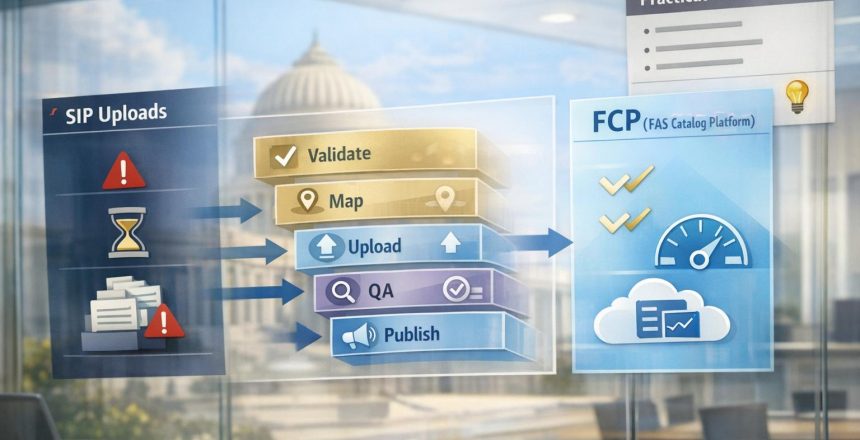
Managing your GSA Advantage catalog can be challenging, especially with the outdated Schedule Input Program (SIP). This tool, used by contractors to upload and manage product and service catalogs, is known for its steep learning curve and technical limitations. Despite its flaws, SIP has been central to ensuring compliance and visibility on GSA Advantage for years. However, starting September 2025, new contracts are transitioning to the web-based FAS Catalog Platform (FCP), signaling a shift from SIP.
Here’s what you need to know about SIP:
- What is SIP? A Windows-only application that converts your catalog data for submission to GSA Advantage.
- Key Challenges: Outdated interface, strict formatting rules, cryptic error messages, and limits on catalog size (65,536 line items).
- Common Issues: Slow uploads, rejected files due to formatting errors, and delays caused by response file requirements.
- Solutions: Clean and organize your data, follow a pre-upload checklist, and process response files promptly to avoid delays.
- When to Get Help: If managing SIP becomes too time-consuming or complex, professional services can handle uploads or implement more flexible tools like EDI.
With over $10 billion in annual sales through GSA Schedules, keeping your catalog accurate and live is essential for success. Whether you handle SIP uploads yourself or seek expert assistance, the goal is to ensure your offerings are accessible to federal buyers.
What Is the Schedule Input Program (SIP)?
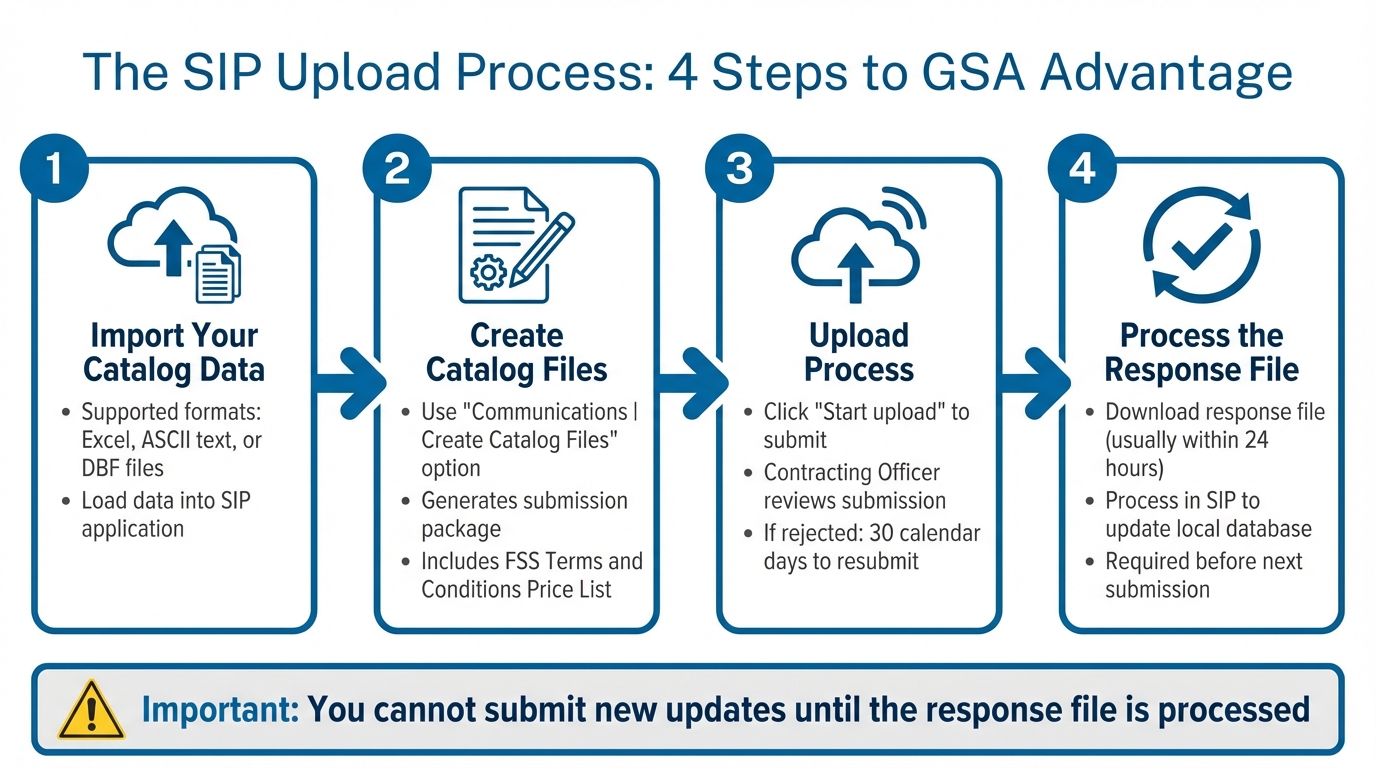
4-Step SIP Catalog Upload Process for GSA Advantage
The Schedule Input Program (SIP) is a Windows-based desktop tool that GSA contractors rely on to upload and manage their product and service catalogs on GSA Advantage. It acts as a bridge between your business and federal buyers by converting your catalog data from supported formats into the format required for submission to GSA Advantage.
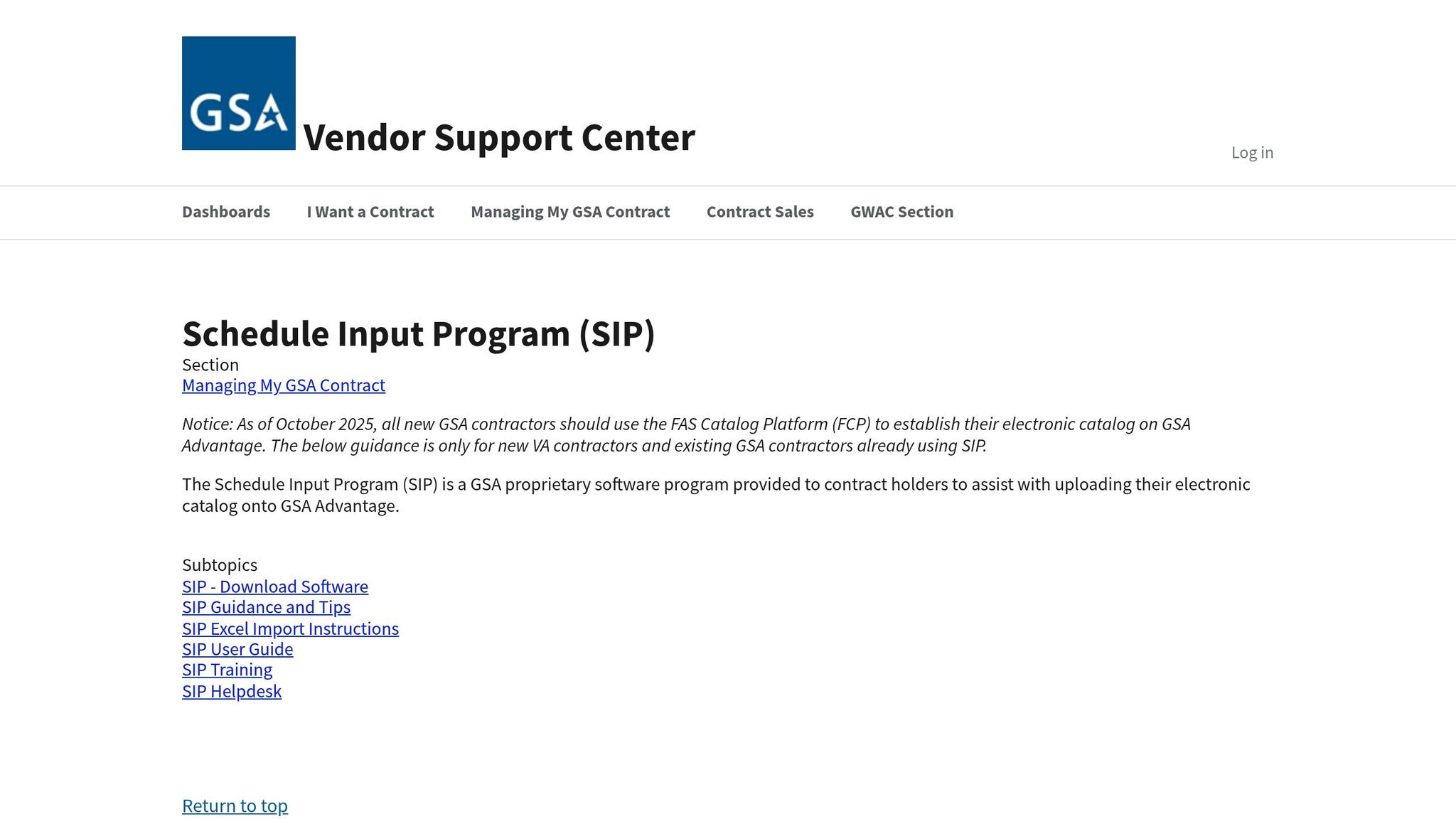
Key update: Starting in September 2025, GSA began phasing out SIP for newly awarded contracts. If your contract was awarded after this date, you’ll need to use the web-based FAS Catalog Platform (FCP). For existing contracts, the transition to FCP is happening gradually, with around 700 contracts moving each month.
How Contractors Use SIP
SIP follows a four-step process to help contractors manage their catalogs:
- Import Your Catalog Data: Begin by loading your data into SIP using supported formats like Excel, ASCII text, or DBF files.
- Create Catalog Files: Use the "Communications | Create Catalog Files" option within SIP to generate your submission package. This package includes the required FSS Terms and Conditions Price List.
- Upload Process: Once your files are ready, click "Start upload" to submit them to GSA for review by a Contracting Officer. If your submission is rejected, you’ll have 30 calendar days to address the issues and resubmit.
- Process the Response File: After your submission is reviewed, you’ll receive a response file. Download and process this file in SIP to update your local database and ensure it matches GSA Advantage. You won’t be able to submit new updates until this step is completed.
This step-by-step process ensures that your catalog is both compliant and visible on GSA Advantage.
Why SIP Matters for GSA Advantage
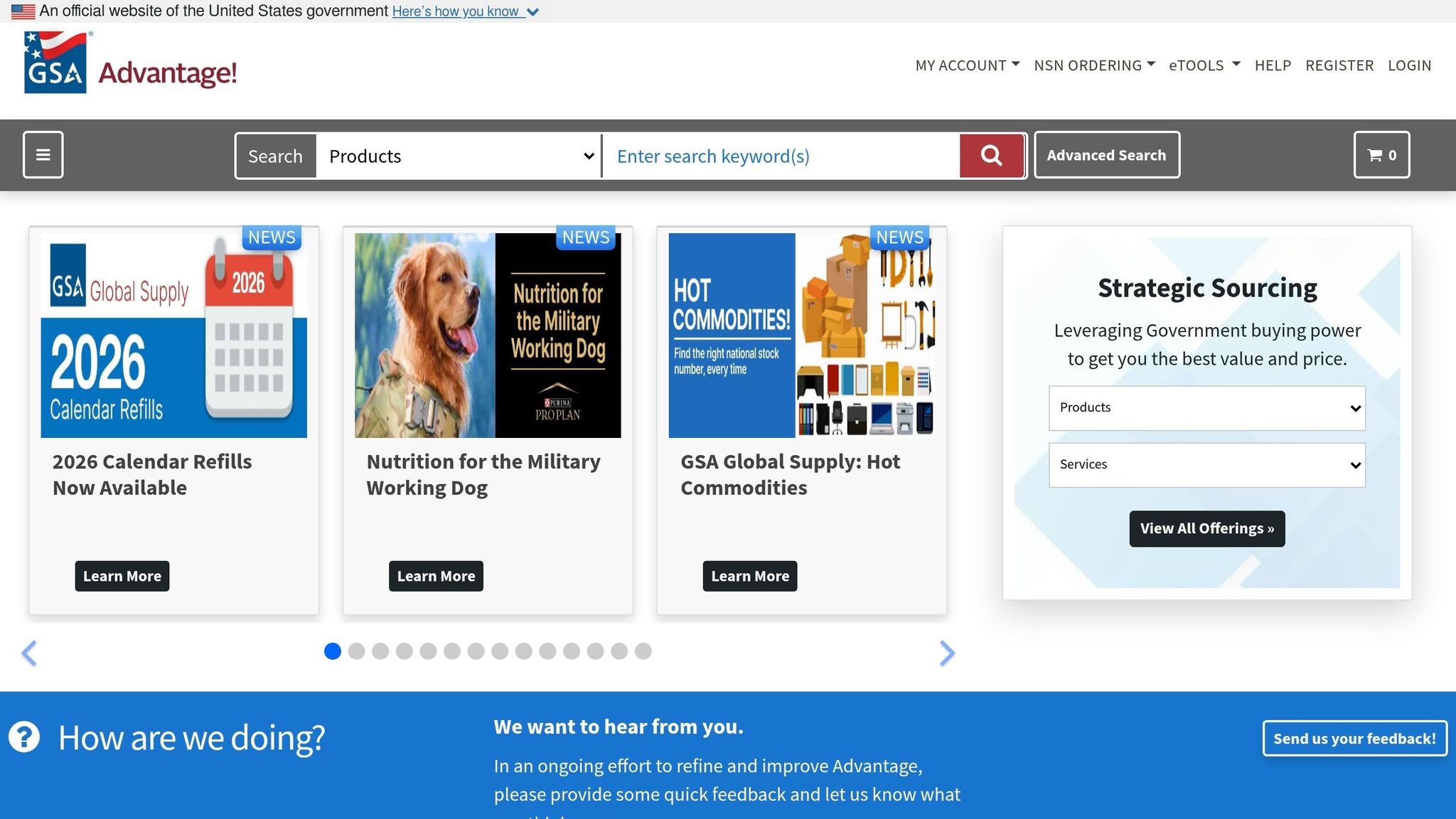
SIP plays a vital role in making your catalog accessible to government buyers while ensuring compliance with your contract terms. Roman Morales, a GSA Schedule Consultant, explains its importance:
"For decades, SIP and EDI were the only tool contractors could use to manage GSA Advantage! catalog updates, but it was outdated and prone to errors."
Despite its outdated interface, SIP remains essential for submitting the mandated FSS Terms and Conditions Price List. The Response File system ensures that the data displayed on GSA Advantage accurately reflects what has been approved by your Contracting Officer.
Mastering SIP is key to effectively managing your federal catalog and connecting your business with federal contracting opportunities.
Common Problems with SIP Uploads
SIP is the go-to tool for managing GSA Advantage catalogs, but it comes with a range of technical challenges that can leave small business contractors feeling stuck. These issues can slow down catalog updates and delay sales opportunities with federal agencies.
Slow Uploads and File Size Limits
One of the biggest headaches is how sluggish the upload process can be, especially for larger catalogs. If your catalog has more than 5,000 line items, you might be waiting hours for it to upload. And if your inventory exceeds 200,000 products, you’re out of luck – SIP just can’t handle it. This lack of speed and capacity makes it tough to keep your catalog updated and responsive to market demands.
Confusing Interface and Poor Error Messages
The SIP interface is another sticking point. Its outdated design often leaves users scratching their heads. As Price Reporter puts it:
"SIP… introduces several new obstacles that can often frustrate even the most hardened of wills… [including] the difficulty of using the application… and the poor error handling characteristics." – Price Reporter
When something goes wrong, the error messages aren’t much help. They rarely explain what the actual problem is, forcing users to spend hours troubleshooting. For Mac users, there’s an extra layer of frustration – since SIP is only compatible with Windows, they need emulation software just to use it.
Then there’s the response file requirement. Before you can submit updates, you need to process a response file from your Contracting Officer. If this step is skipped or mishandled, you could find yourself locked out of making further changes.
On top of all that, SIP enforces strict formatting rules that often lead to rejected uploads, adding even more delays.
Formatting Requirements and Rejected Uploads
GSA’s formatting rules are another hurdle, and they’re unforgiving. Here’s what you have to keep in mind:
- File formats: Acceptable formats include ASCII text, DBF version 3.0 or greater, or MS Excel 97 or greater.
- Filenames: Terms and Conditions Price Lists cannot have spaces in their filenames.
- Images: Only JPEG or GIF formats are allowed, with file sizes under 1MB. Filenames must be under 80 characters and can’t include special characters except underscores.
SIP also doesn’t make it easy to tweak your catalog. Want to add a single product? You’ll likely need to re-upload the entire catalog. This all-or-nothing approach increases the chances of errors creeping in, and even a small mistake could result in your entire submission being rejected. It’s a frustrating process that can make managing your catalog feel like an uphill battle.
How to Make SIP Uploads Easier
SIP uploads can feel like a hassle, but many common issues – like formatting errors or delays with response files – can be avoided with proper preparation and a structured process. Here’s how to streamline the experience.
Prepare Your Data Correctly
Starting with clean, well-organized data can save you hours of frustration. Before importing files, take some time to tidy up your Excel sheets:
- Remove special characters like ampersands (&) or dollar signs ($) from product descriptions and pricing data.
- Eliminate trailing spaces that often lead to "invalid data" errors.
For product details, remember these key points:
- Product names should include at least three words (not just part numbers).
- Descriptions should be at least 10 words long.
- If you need to include detailed specs, link to a product URL instead of embedding HTML – GSA no longer permits HTML in descriptions as it interferes with search functionality.
Photos also need careful attention. Make sure they meet these requirements:
- Format: JPEG or GIF
- Size: Under 1MB
- Filename: No more than 80 characters, using only underscores as special characters.
For Terms and Conditions files, use formats like .pdf, .doc, .xls, or .htm, and avoid spaces in filenames. Once you’ve ensured your data is error-free, you’re ready to think about timing.
Plan Your Upload Timeline
Timing is everything when it comes to SIP uploads. If you’re a new GSA Schedule contractor, you have six months from your contract award date to upload your initial price list. Missing this deadline means starting off on the wrong foot with compliance.
Before submitting any updates, always process the response file from your previous upload. This file, usually sent within 24 hours, keeps your local SIP database aligned with GSA Advantage. Ignoring this step can lock you out of further updates. As the GSA Vendor Support Center explains:
"You must ‘process’ your response file using SIP before you can send the next catalog update."
If an upload gets rejected, you’ll have 30 calendar days to address the issues and resubmit. Every day your catalog isn’t live on GSA Advantage is a missed opportunity to connect with federal buyers. Also, don’t forget to periodically check the "Help" tab in SIP to ensure you’re using the latest software version – outdated versions are a frequent cause of upload problems.
With your timing sorted, a quick review can help avoid last-minute hiccups.
Create a Pre-Upload Checklist
A simple checklist can save you from unnecessary delays. Before hitting submit, confirm these points:
- Update the Contract tab with the latest modification number and catalog effective date.
- Process the most recent response file.
- Verify photo specs: JPEG or GIF format, under 1MB, filenames under 80 characters.
- Ensure your catalog doesn’t exceed SIP’s 65,536 line-item limit per upload (split data into smaller batches if needed).
- Confirm that your Terms and Conditions price list doesn’t duplicate products already listed for online ordering through GSA Advantage.
Spending five extra minutes on this checklist can save you days of back-and-forth troubleshooting.
When to Get Professional Help
Even with careful preparation, SIP uploads can feel overwhelming – especially for businesses managing large product catalogs. When the process becomes too complex or time-consuming, it might be worth turning to professionals who specialize in handling these challenges daily.
What GSA Management Services Offer
Professional GSA management services are designed to take the technical load off your plate. These experts understand the intricacies of SIP, a system that has been a source of frustration for contractors for over a decade. David Baldino, Director of Professional Services at Winvale, emphasizes this point:
"SIP is a program that can only be mastered through knowing all the rules."
Services like GSA Focus handle everything from validating data to executing uploads, allowing you to concentrate on sales and operations instead of troubleshooting rejected files. For companies with large catalogs, these professionals can also implement Electronic Data Interchange (EDI) solutions. Unlike SIP, EDI enables individual product modifications, offering a level of flexibility that can save countless hours over the life of your GSA contract.
By simplifying the upload process and ensuring your catalog stays compliant and competitive, these services help set the stage for success in federal contracting. If your internal efforts are falling short, it might be time to rethink how you’re managing SIP.
Signs You Should Outsource SIP Management
Sometimes, the best move is to bring in outside help, especially when recurring issues make catalog management inefficient. Here are some signs it’s time to consider outsourcing:
- Frequent upload rejections or prolonged troubleshooting
- Lack of access to a native Windows environment
- Managing catalogs with nearly 200,000 items
- Struggling with baseline modifications for the new FAS Catalog Platform
- Missing the 30-day resubmission deadline after a rejected file
For businesses in these situations, professional support can streamline the process and get things back on track. With over $10 billion in products sold through GSA Schedules in FY2018, keeping your catalog error-free and live isn’t just about compliance – it’s about seizing revenue opportunities.
Conclusion
SIP uploads don’t have to stand in the way of your federal contracting goals. Still, the process comes with its fair share of challenges – outdated technology, rigid formatting requirements, and a steep learning curve that can frustrate even seasoned contractors. As one industry expert puts it, “The learning curve for SIP is usually steep, as it was developed over ten years ago, and is not intuitive or easy to navigate”. Acknowledging these hurdles is the first step toward tackling them effectively.
By focusing on thorough data cleaning, processing response files promptly, and using a pre-upload checklist, you can make SIP uploads less stressful and more efficient.
For businesses dealing with large product catalogs or repeated upload issues, seeking professional help can be a game-changer. Services like GSA Focus specialize in managing the technical aspects of SIP uploads, allowing you to concentrate on winning contracts. With over $10 billion in products sold through GSA Schedules in FY2018, ensuring your catalog remains live and compliant is crucial for maximizing revenue.
Whether you choose to handle SIP uploads internally or bring in external expertise, the ultimate goal is clear: keeping your catalog accurate and accessible on GSA Advantage to unlock greater revenue potential.
FAQs
Am I required to use SIP or FCP for my contract?
If you’re responsible for managing your electronic catalog on GSA Advantage, you’ll need to use SIP for now. However, beginning in October 2025, new contracts are encouraged to switch to the FAS Catalog Platform (FCP). This new platform is set to take over from SIP, aiming to simplify catalog management for contractors.
Why is my SIP upload rejected even when it looks right?
SIP uploads might get rejected for various reasons, such as using outdated tools, submitting files in the wrong format, or having inconsistencies in pricing, product descriptions, or supporting documentation. Even minor errors or mismatched details can cause issues, even if everything appears to be in order. To minimize the risk of rejection, double-check that all information meets GSA requirements and always rely on the most up-to-date tools to streamline the process.
How do I avoid getting locked out by the response file?
Before submitting your SIP catalog, double-check that all your data is accurate and formatted correctly. It’s a good idea to back up your SIP file regularly, especially after making major changes. Make sure critical details like product information, pricing, and contract data are complete and accurate. If you run into problems during the upload process, reach out to the Vendor Support Center for help. Staying on top of updates and validating your data can help minimize errors and make the upload process much smoother.
Related Blog Posts
- GSA Advantage Website 101: A Small Business Guide
- SIP Training Basics for GSA Vendors
- Checklist for GSA Advantage Product Uploads
- Top 5 Errors in GSA Price List Submissions