
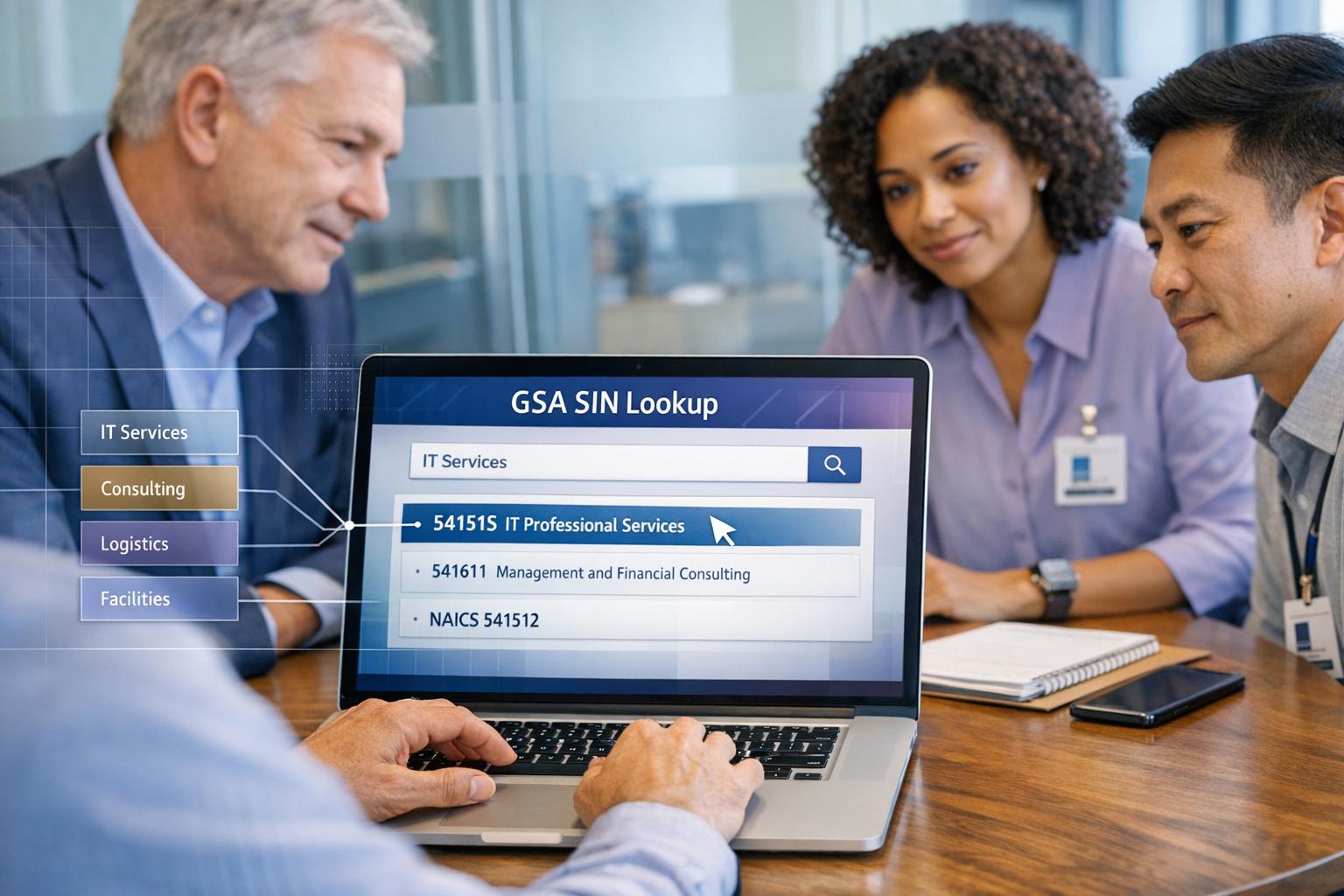
Boost Your Government Contracting Success with a GSA SIN Lookup Tool
Navigating the world of government contracting can feel like a maze, especially when it comes to getting noticed on platforms like GSA Advantage. For businesses aiming to secure federal contracts, aligning your services with the right Special Item Number (SIN) is a critical step. This unique identifier categorizes your offerings so government buyers can find you easily—but finding the perfect match isn’t always straightforward.
Why SIN Selection Matters
When your GSA Schedule profile reflects accurate categories, you’re more likely to appear in buyer searches. A misstep here could mean missed opportunities, even if you offer top-tier services. That’s where a specialized lookup tool comes in handy. By entering service keywords or NAICS codes, contractors can quickly pinpoint relevant SINs and access detailed descriptions to ensure a precise fit.
Optimize for Visibility
Beyond just identifying categories, optimizing your GSA eLibrary presence with the right identifiers can transform your B2G outreach. Government buyers rely on these systems to source solutions, and a well-aligned profile sets you apart. Take the guesswork out of the process and position your business for success with tools designed to enhance discoverability in the federal marketplace.
FAQs
What is a GSA Special Item Number (SIN)?
A SIN is a unique identifier used in the GSA Schedule to categorize products and services. Think of it as a label that helps government buyers find exactly what they need on platforms like GSA Advantage. Picking the right SIN is crucial because it directly impacts how easily buyers can discover your business. Our tool makes this process straightforward by matching your keywords or NAICS codes to the most relevant SINs.
How does this tool improve my visibility on GSA platforms?
Government buyers search for services using specific categories and keywords on GSA Advantage and eLibrary. If your profile isn’t aligned with the right SIN, you’re basically invisible. This lookup tool helps you identify the best category for your offerings, complete with full descriptions, so you can optimize your profile and show up in more relevant searches. It’s like giving buyers a direct path to your door.
Can I use NAICS codes to find a SIN with this tool?
Absolutely! We know many contractors start with NAICS codes when defining their services. Just pop your code into the tool, and it’ll pull up corresponding GSA SINs along with detailed category info. This saves you hours of manual research and ensures you’re aligning your business with the categories government buyers are actually searching for.
